
The Bollmeyer Inc. customer portal puts your operation at your fingertips. Log in from any device to review your field history, see every acre in one place, and check the application records we keep for each field — so you and our agronomy team are always working from the same information.
It is a secure web login — there is nothing to download and no native app to install. Just open the portal in your browser and sign in.
Customer Login: View & Manage Your Fields Need access? (712) 947-4104
Built around how you actually farm, the portal keeps your records organized field by field and crop year by crop year.
Keep a running history for every field you farm. Track what was planted, when, and how each field has performed season after season — all stored in one place you can return to any time.
See every field in one view, complete with acres, crop year, and location. No more digging through paperwork — your whole operation is laid out at a glance.
Review the application records we keep for each field, so you know exactly what products went on, where, and when. A clear record for your own planning and reporting.
Mark fields READY for custom application and enter your plant and harvest dates. Our applicators see your updates and can plan their routes to fit your schedule.
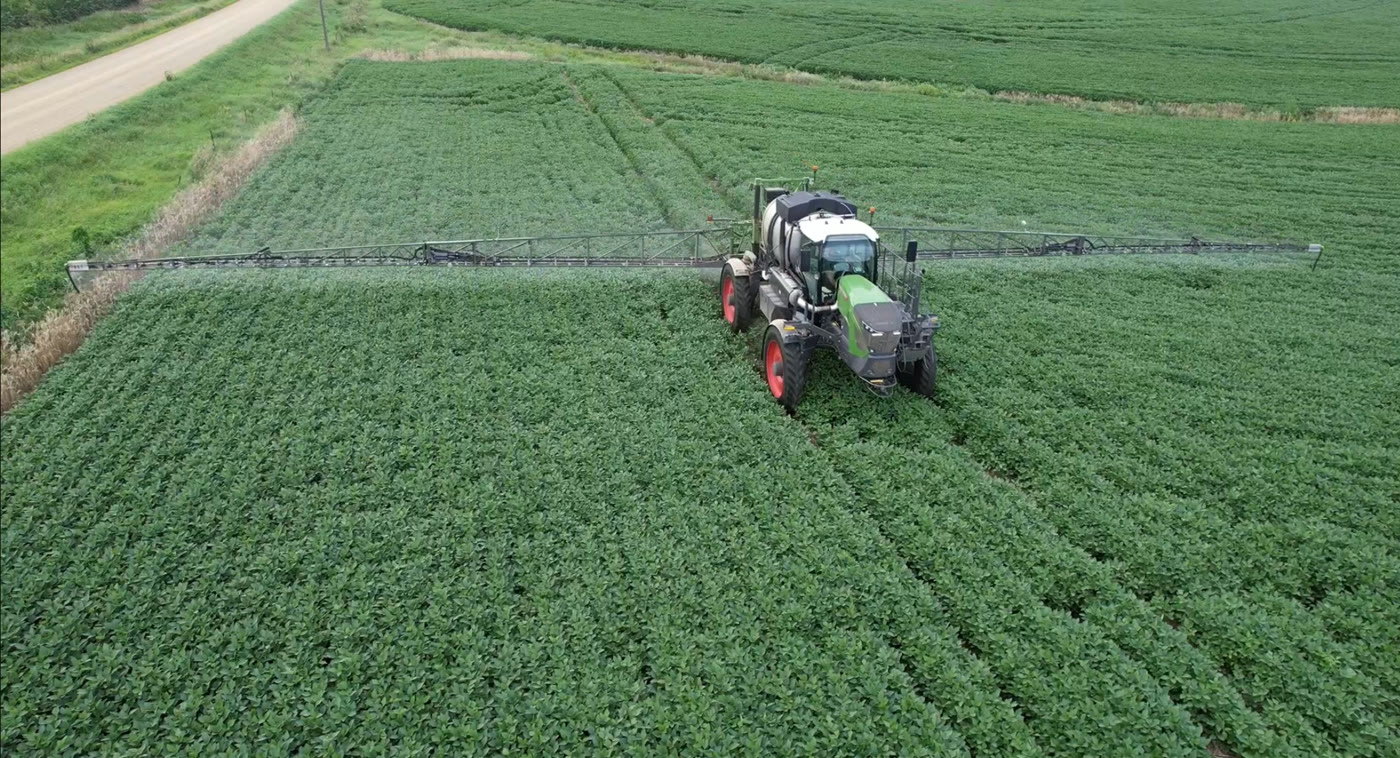
When a field is ready for spring, summer, or fall inputs, you do not have to wait on a phone call. Flag the field as READY in the portal and our applicators can plan their work around your fields and your timing.
New to the portal? Here is how to get up and running.
Call us at (712) 947-4104 or talk to your agronomist and we will set up your login.
Open the portal in any web browser and log in — nothing to download or install.
See all your fields, acres, crop years, and the application records on each one.
Mark fields READY, enter plant and harvest dates, and keep us posted all season.
Log in to the Bollmeyer Inc. customer portal to view your field history, applications, and custom application status. Not set up yet? Give us a call and we will get you access.
Customer Login (712) 947-4104